
Fast Solutions for Common Capsule Filling Machine Failures
Fast Solutions for Common Capsule Filling Machine Failures
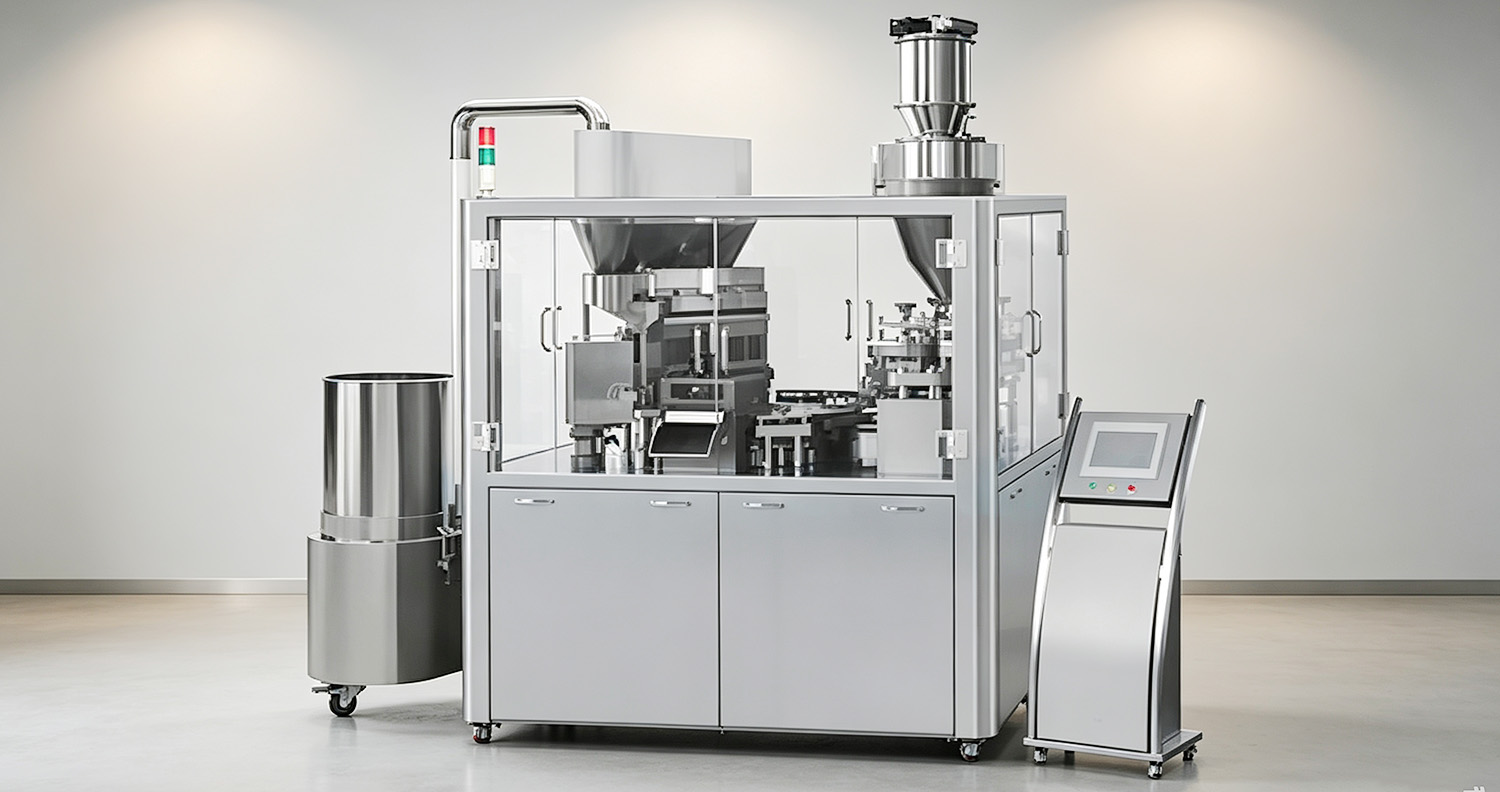
In pharmaceutical and nutraceutical production, unplanned downtime can severely reduce output and profitability. Even a well‑calibrated capsule filling machine may experience minor faults during daily production shifts. Many operators spend too much time speculating about complex mechanical failures, but most issues stem from parameter settings, material variations, or slight component wear. This practical blog organizes frequent on‑site faults, analyzes their causes, and delivers actionable solutions to restore production quickly.
Unstable Filling Weight and Fill‑Weight Variation
Fault Description: Finished capsules show clear weight fluctuation, with some over‑filled and others under‑filled. Even with the same powder batch, products still fail internal quality checks.
Causes:
Changes in ambient humidity or differences in raw material batches alter powder bulk density and flow properties.
Worn tamping pins or scratched dosing disc on the capsule filling machine.
Unstable powder bed height inside the feeding hopper.
Improper setting of tamping depth parameters.
Solutions:
Start by checking workshop humidity and confirming powder conditions. Maintain a stable powder level in the hopper to ensure consistent feeding. Inspect tamping pins and the dosing disc for scratches and wear, and replace worn parts without delay. Adjust the tamping depth step‑by‑step, and test capsule weight after each small change. Record all parameter adjustments for future batches, so you avoid repeated trial‑and‑error.
Capsule Separation Failure
Fault Description: Many unseparated capsules go straight into the reject bin. The machine keeps running, but actual output drops sharply; capsule caps and bodies stick together and cannot be pulled apart by vacuum.
Causes:
Clogged vacuum filters, leaking vacuum lines, or insufficient vacuum pressure.
Poor‑quality empty capsules with tight dimensions or unusual moisture content.
Worn separation assemblies or misaligned molds after cleaning.
Solutions:
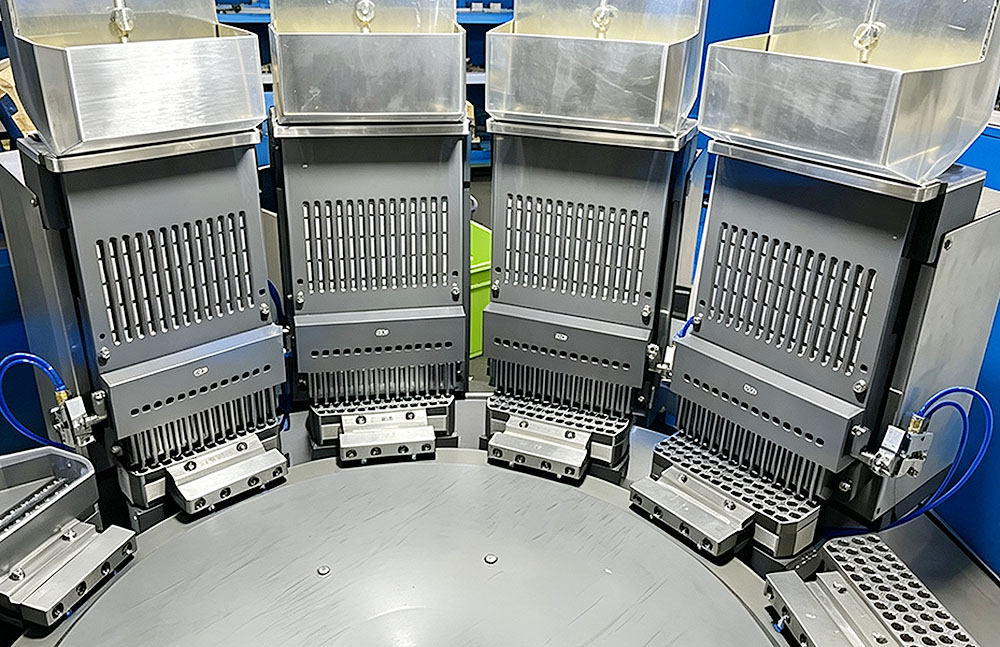
Read the vacuum gauge first. Clean clogged filters and check hoses for air leaks. Test with a reliable batch of empty capsules to rule out shell quality issues. Inspect and recalibrate separation molds and assemblies. Run a short no‑load test at low speed, and return to full production only after separation works normally.
Frequent Capsule Jamming (Fault Related to Capsule Filling Line)
Fault Description: Capsules get stuck at feeding or transfer points, triggering repeated emergency stops and halting the entire capsule filling line. Shell fragments and powder residues appear near the jam.
Causes:
Static electricity or extreme workshop humidity causes empty capsules to stick together.
Damaged or deformed capsules enter the feeding channel.
Misaligned guide rails after equipment disassembly and cleaning.
Solutions:
Clear all stuck capsules and debris from the feeding channels. Control workshop humidity within the recommended range (typically 45%–55%) to reduce static and capsule deformation. After every cleaning, re‑verify guide‑rail alignment according to the manual. Screen out defective empty capsules before loading to prevent jamming and protect other components.
Poor Capsule Locking and Loose Seals
Fault Description: Many finished capsules have loose caps; some pop open right after discharge, causing powder spillage and material loss.
Causes:
Excessively high or low locking pressure.
Powder dust on capsule rims before closing.
Misaligned upper and lower locking molds.
Solutions:
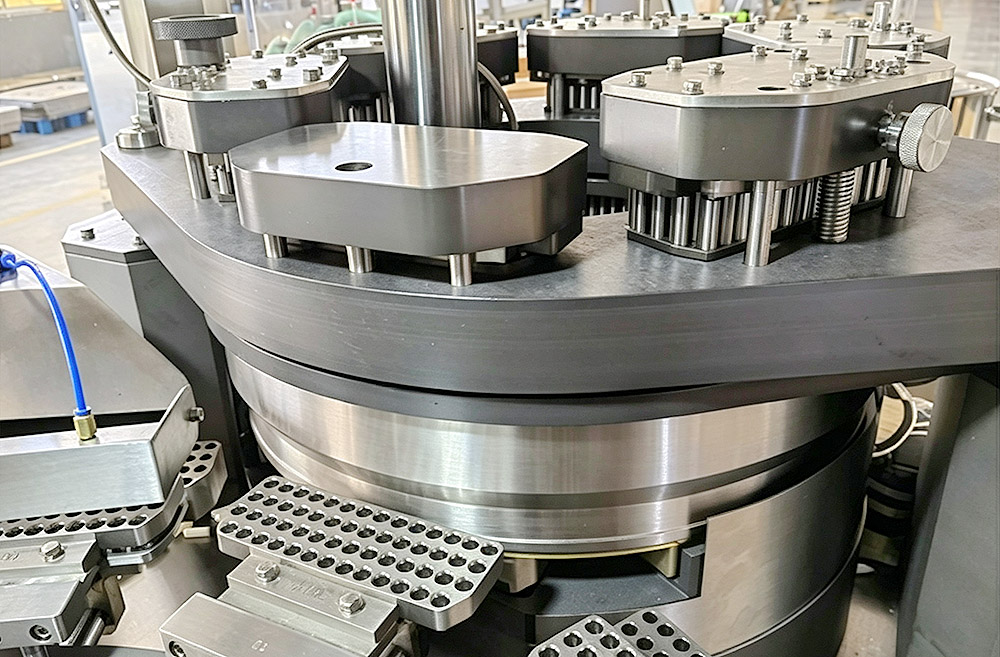
Clean all powder residues from the closing station. Fine powder on capsule edges is an easily overlooked cause of poor locking. Adjust locking air pressure to the equipment‑recommended range. Realign molds if they are offset. Run a small trial batch and check dozens of capsules visually to confirm secure locking before mass production starts.
Powder Leakage During Production
Fault Description: Fine powder drifts around the dosing chamber and closing station, dust covers machine surfaces, and material loss increases with each batch.
Causes:
Damaged or aged sealing rings in the dosing assemblies.
Excessively high filling‑volume settings that squeeze powder out before closure.
Worn scraper blades that fail to remove surplus powder.
Solutions:
Inspect all sealing rings and scraper blades, and replace worn parts directly. Lower filling‑volume parameters to avoid over‑filling. Clean powder‑contact parts regularly to prevent buildup. Observe leakage during operation; if it persists after part replacement, check whether the powder contains too many ultra‑fine particles, which may require process changes.
High False Rejection Rate
Fault Description: Many fully qualified capsules are rejected by the sensor system, causing unnecessary waste. No defects are visible on the rejected capsules.
Causes:
Dust on the lenses of optical inspection sensors.
Slight sensor position shifts from long‑term vibration.
Incorrect threshold parameters for defect detection.
Solutions:
Power off the equipment safely and wipe sensor lenses with a lint‑free soft cloth, avoiding scratches. Inspect and recalibrate sensor positions using the user manual. Adjust rejection threshold settings moderately. Run sample tests after adjustments to confirm only truly defective capsules are rejected, reducing waste of good products.
Abnormal Noise and Severe Vibration
Fault Description: The capsule filling machine makes unusual banging and grinding sounds, with strong vibration felt on the frame during operation.
Causes:
Insufficient lubrication for rotating bearings and transmission parts.
Loose mounting bolts on turntables or other assemblies.
Uneven machine base placement on the workshop floor.
Solutions:
Stop the machine for a full inspection. Apply proper lubricant to bearings and transmission points. Tighten loose bolts on key assemblies. Adjust machine foot pads to level the unit. After all adjustments, start at low speed and listen for abnormal noise. Resume full production only when operation is smooth.
Stubborn On‑Site Faults Hard to Resolve
Fault Description: Faults keep happening even after all standard troubleshooting steps. Complex mechanical or PLC‑related issues cannot be handled by on‑site operators alone.
Causes:
Fatigue of internal core mechanical parts and hidden damage to the drive system.
Incorrect parameter changes made without professional guidance.
Hardware failures that need expert diagnosis.
Solutions:
Do not blindly disassemble core assemblies yourself. Note fault codes and take photos or videos of the issue, then contact the capsule filling machine manufacturer for technical support. Provide batch information and operation records to help engineers locate problems faster. Use official after‑sales services, including remote guidance, on‑site support, and genuine spare parts, to prevent further damage from improper self‑repair.
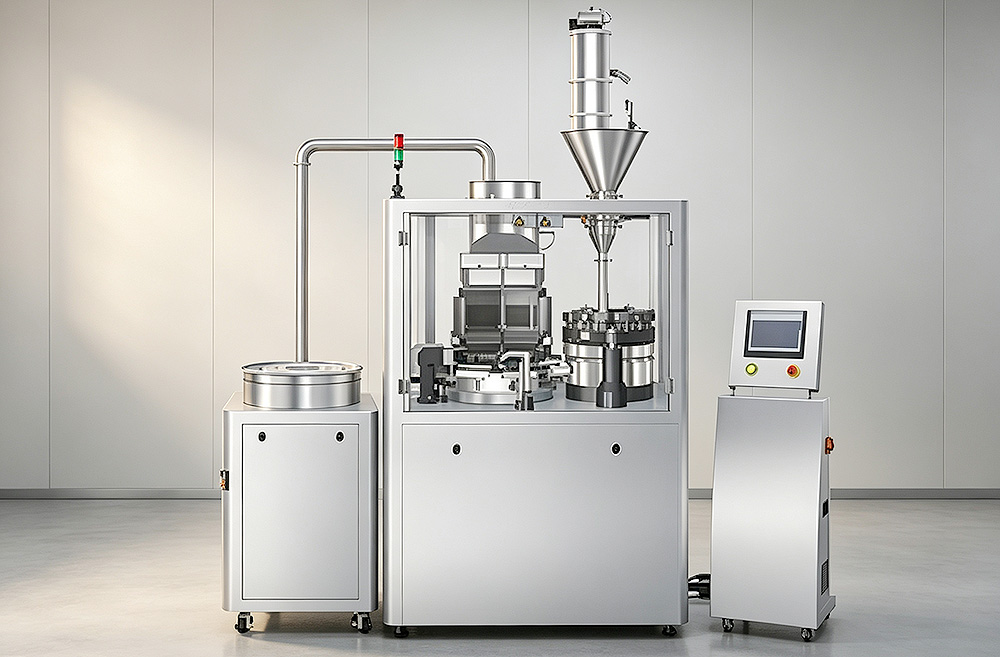
Most capsule filling machine faults arise from material conditions, the production environment, component wear, or incorrect settings—not major breakdowns. Develop a simple habit: record symptoms and your adjustments whenever a fault occurs. Regular preventive cleaning and inspection can prevent most issues at the source. When standard fixes fail, seek professional support instead of risky self‑disassembly. These practices help reduce unplanned downtime, stabilize production, and maintain GMP compliance.
FAQ
1. How often should I clean the capsule filling machine to lower failure risks?
Clean all powder‑contact parts after each batch. Do a full deep clean when switching formulations. Wipe inspection sensors regularly to avoid dust‑related faults.
2. What is the main cause of capsule separation failure?
Vacuum issues are the most common. Check vacuum pressure, filters, and pipelines first, before suspecting mechanical parts or capsule quality.
3. Can poor‑quality empty capsules cause multiple equipment faults?
Yes. Non‑conforming capsules can lead to jamming, separation failure, and poor locking. Always test new capsule batches before full production.
4. What information should I prepare when contacting technical support?
Note fault codes, machine model, symptoms, photos or videos, and the adjustments you have already tried. This speeds up diagnosis greatly.
5. Does higher operating speed cause more faults?
Running above the manufacturer‑recommended speed increases component wear and rejection rates. Match speed to powder properties and avoid continuous full‑capacity operation.