
Top 6 Vision Inspection Machine Problems and Solutions
Top 6 Vision Inspection Machine Problems and Solutions
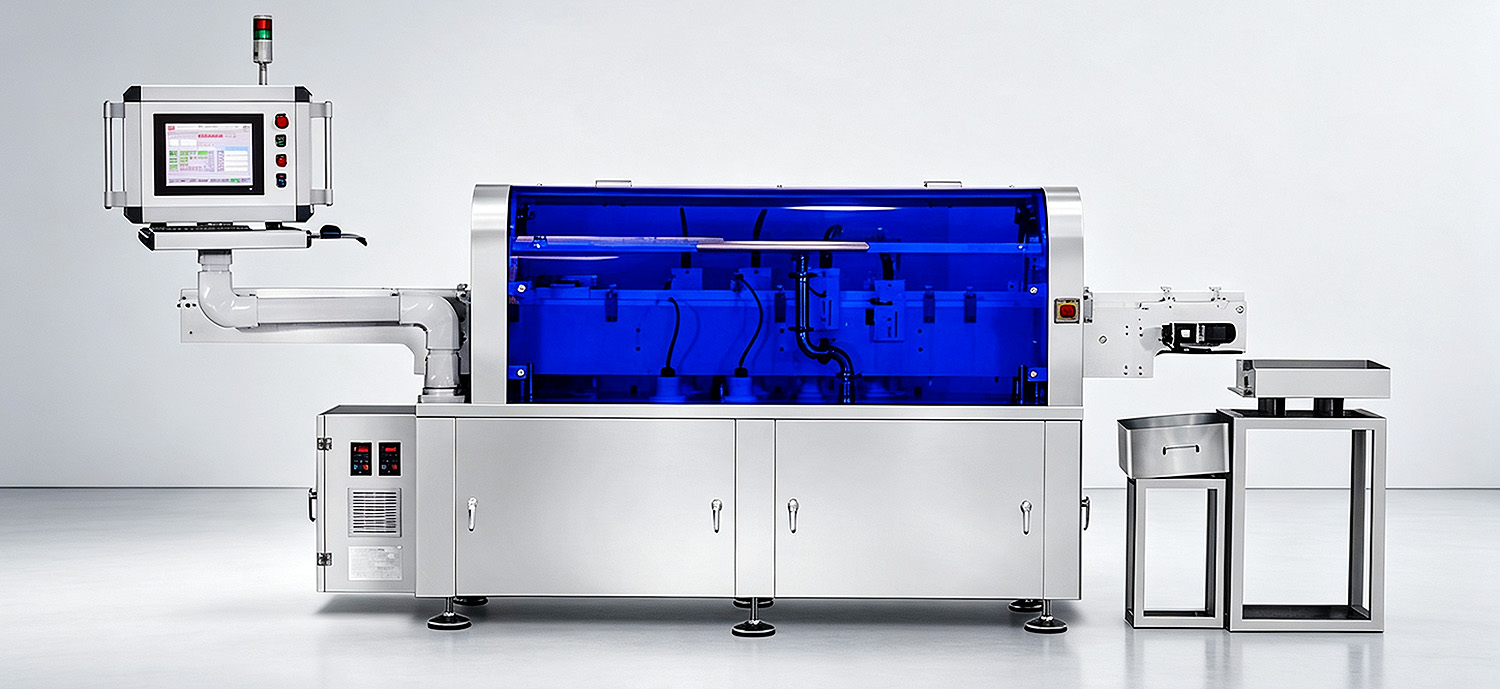
If you work in manufacturing, you already know how much a reliable vision inspection machine matters. It sits on your line like a watchful eye, catching stuff that human inspectors might miss. But here's the thing—just like any complex gear, these machines can act up. And when they do, it's not a tiny hiccup. It'll mess up your whole schedule and burn through your budget. The good news? Most issues are totally fixable if you know what to look for. So in this guide, we'll run through the six biggest headaches and show you exactly how to deal with them.
The Real Cost When Your System Goes Down
Let's be real about what happens when your vision inspection machine stops working right. First off, your line takes a direct hit. Every minute it's down, products stack up, deadlines slide, and your crew is running around trying to figure out what broke. It's stressful, and the dollars add up quick. Then you've got the quality side. Without accurate checks, bad parts can sneak out the door to your customers. That means returns, complaints, and a hit to your reputation. In pharma or auto, one bad batch can even bring in regulators. So keeping it running isn't just nice—it's protecting your bottom line.
Blurry or Out-of-Focus Images
So your images are coming out all soft and hazy? That's a classic pain. The edges of your products look fuzzy, and the software can't even spot obvious flaws. Your operators get frustrated because they can't trust what the screen shows.
Why does this happen?
- The lens has dust or oil on it from the factory air.
- The focus got knocked off by vibration or someone bumping into it.
- Your camera just doesn't have enough resolution for the tiny details you need.
- The aperture setting is wrong for your current light.
How to fix it:
- Clean the lens with proper wipes—do it gently.
- Recalibrate the focus and tighten the mount so it doesn't drift again.
- If you're inspecting really fine stuff, upgrade to a higher-res camera.
- Tweak the aperture and double-check that the depth of field covers your product.
Once you get it sharp, run a few test shots to confirm. And set a weekly reminder to clean that lens—trust me, that little step saves hours of grief later.
Inconsistent or Poor Lighting
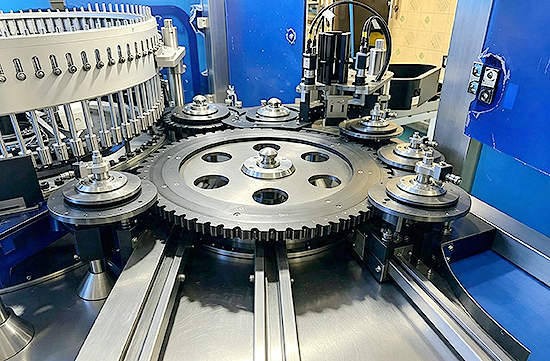
Now lighting—that's another beast. Your images look uneven: some spots are blown out, others are too dark, and there's glare bouncing off shiny surfaces. The software gets confused because every product looks different under that mess.
What's going wrong?
- Your LED lights are getting old and losing their brightness or color.
- The angle is off, so reflections are killing you on curved or glossy parts.
- Sunlight from a window or overhead shop lights are sneaking in.
- The power supply is flaky, making the lights flicker.
Here's what you do:
- Swap out aging LED modules for ones with stable color output.
- Reposition the lights or slap on diffusers to cut the glare.
- Put up shields or curtains to block that ambient light.
- Use a regulated DC supply to stop the flickering.
Good light is the backbone of good inspection. After you adjust, take pictures of the same product at different times of day to make sure it's consistent. Remember, your system sees only what the light shows it.
Detection Speed Can't Keep Up with the Line
Ever have your system miss products because it's too slow? That's a nightmare on high-speed packaging lines, where every millisecond counts. The camera can't snap fast enough, or the processing takes too long, and the next item is already there.
Why it lags:
- The camera's frame rate is too low for your conveyor speed.
- Your algorithm is too fancy—it's doing too much math per image.
- Cheap Ethernet cables are slowing down data transfer.
- The trigger sensor and camera shutter aren't synced up properly.
Solutions that work:
- Get a high-speed industrial camera with a faster frame rate.
- Simplify the algorithm or upgrade to a beefier processor.
- Replace old cables with Cat6 or better shielded ones.
- Tweak the trigger timing so the camera fires right when the product is in position.
Speed trouble often pops up after you've added new equipment upstream. If you just put in a faster filler, check that your vision system can still match pace. Sometimes just a tiny delay adjustment does the trick.
High False Rejection Rate
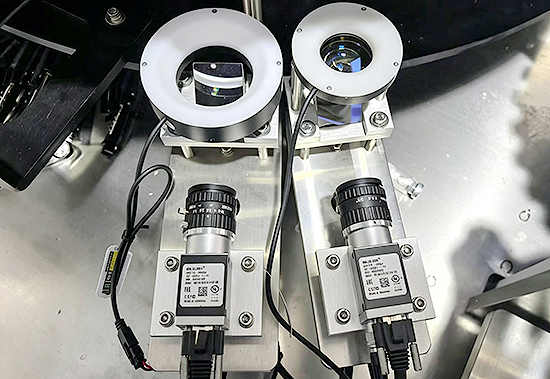
This one drives operators crazy. The system keeps rejecting perfectly good products, so they spend half their shift rechecking "bad" ones. Your scrap pile grows, even though quality is actually fine.
What causes this?
- Your inspection thresholds are too tight for normal product variation.
- The AI model was trained on too few samples—it's not general enough.
- Temperature or humidity changes are altering how the product looks.
- The algorithm got overfitted to one specific batch and can't handle others.
How to dial it back:
- Loosen the tolerance settings a bit and watch what happens.
- Retrain with a bigger, more varied set of good and bad samples.
- Control your environment or adjust for seasonal shifts.
- Update the model regularly to keep up with normal manufacturing drift.
A high false rejection rate hurts just as much as missing real defects. After you tweak the thresholds, track your false positives for at least one full shift. Your system should make life easier, not create more work.
Software Crashes or System Freezes
Nothing stops the line faster than the software suddenly closing or freezing mid-cycle. Then someone has to reboot the PC and restart everything, and you lose minutes—or hours.
Why it happens:
- The computer runs out of RAM when processing big images.
- There's a bug in your current software version.
- Background programs or outdated drivers are conflicting.
- The hard drive is almost full, so it can't write temp files.
What to do:
- Upgrade RAM to 16GB or 32GB, depending on your image sizes.
- Install the latest patches or call your vendor for an update.
- Turn off unnecessary startup apps and update all drivers.
- Free up disk space or move to a larger SSD.
Software crashes are often the easiest to prevent. Set up automatic backups for your inspection programs, and keep the computer clean. A stable system starts with a healthy PC behind it.
Mechanical Positioning Errors
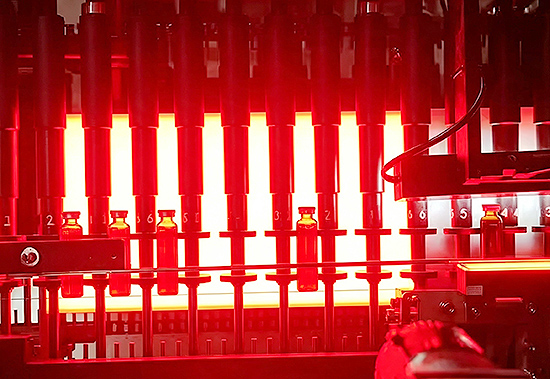
Ever notice the inspection area drifting over time? Products don't land in the same spot each time, so the software looks at the wrong place and calls out false defects. It's sneaky because it builds up slowly.
Reasons behind it:
- The conveyor belt is worn or stretched, so parts shift.
- The robot arm lost its calibration after months of use.
- Guides and fixtures have loosened from vibration.
- The rotary encoder that tracks position is giving bad signals.
Fixes that work:
- Replace or tighten the belt for smooth, consistent movement.
- Recalibrate the arm and run test cycles to check repeatability.
- Tighten all rails and fixtures, and look for wear.
- Inspect the encoder and swap it if pulses are irregular.
Mechanical problems creep up on you. Schedule monthly checks on your conveyor and positioning gear. When the mechanics are solid, your vision system can focus on finding real defects—not chasing ghosts.
What to Look for in a Vision Inspection Machine Manufacturer
Picking the right partner is just as big a deal as picking the right machine. Not every supplier will give you the support and customization you'll need down the road.
Here's what to check:
- Do they know your industry—food, pharma, electronics—inside out?
- Can they get a local service engineer to you fast when you need one?
- Will they tweak software and hardware to fit your exact products?
- How quick are they with spare parts and repairs?
- Ask for case studies from companies like yours.
A good vision inspection machine manufacturer doesn't just sell you a box—they join your quality team. So take your time and vet their track record before you sign anything.
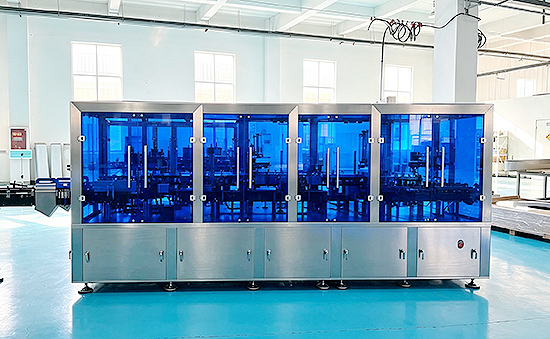
At the end of the day, your vision inspection machine is an investment in quality and consistency. And like any investment, it needs care to pay off. Most of the problems we've talked about—blurry images, software crashes, you name it—are preventable with regular maintenance and a bit of know-how. Don't wait for a breakdown to start paying attention. Build a preventive schedule, train your operators well, and team up with a supplier who's got your back. When your vision system runs smoothly, your whole line benefits.
FAQ
Q1: How often should I clean the camera lens on my system?
A: In most factories, once a week is a good rule. If your line is dusty or oily, do it every few days.
Q2: Can I upgrade my existing system, or do I need a new one?
A: Lots of systems can take better cameras, lights, or software. Talk to your original supplier about upgrades before replacing the whole unit.
Q3: Why does it work fine in the morning but fail in the afternoon?
A: Usually that's from changing ambient light or temperature. Check if sunlight hits the inspection area later in the day, or if the shop warms up.
Q4: How do I know if my camera resolution is high enough?
A: A general rule: your smallest defect should cover at least 3 to 5 pixels. If it's smaller than that, you need a higher-res camera.
Q5: What should I include in a preventive maintenance plan?
A: Include lens cleaning, lighting checks, cable inspections, software backups, and mechanical calibration reviews. Do all that monthly, and small issues won't become big ones.